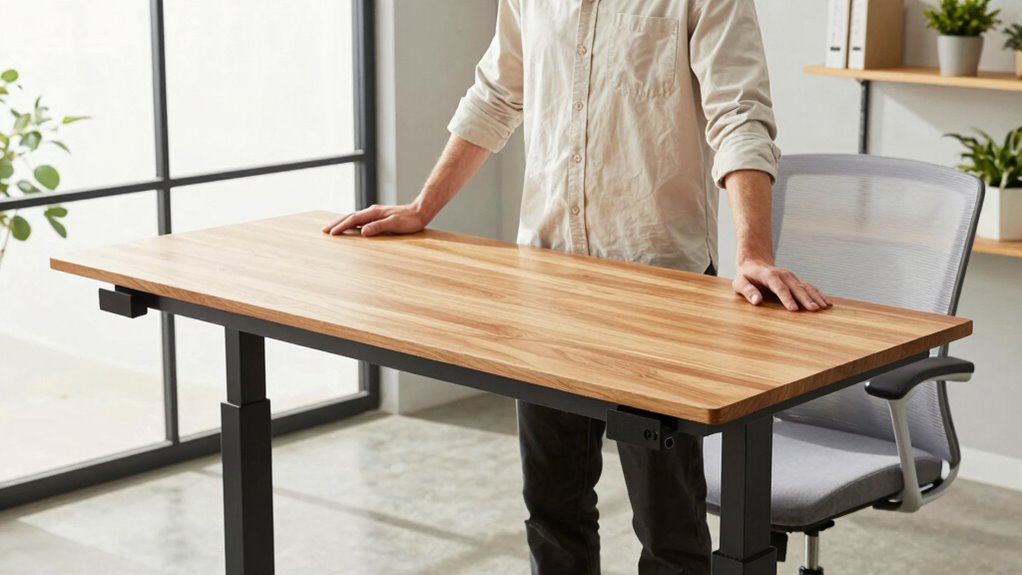

To prevent neck strain at your standing desk, set the height so that your monitor is at eye level and your elbows form a relaxed 90-degree angle. Keep your feet flat and aligned with your hips, ensuring your wrists stay straight while typing. Properly adjusting your desk and adding ergonomic accessories can make a big difference. For detailed tips on fine-tuning your setup and avoiding common mistakes, keep exploring this guide.
Key Takeaways
- Set your monitor so the top aligns with your eye level to prevent neck tilting and strain.
- Adjust desk height so elbows form a 90-degree angle and wrists stay straight while working.
- Keep feet flat on the floor or on a footrest for stability and proper posture support.
- Use ergonomic accessories like monitor risers and adjustable keyboard trays for optimal positioning.
- Regularly evaluate and fine-tune your setup to maintain comfort and prevent long-term neck issues.
Why Is Proper Standing Desk Height Key to Prevent Neck Pain?

Have you ever experienced neck strain after working at your standing desk? Proper desk height is essential to prevent this discomfort. When your standing desk isn’t set correctly, your neck can crane forward or tilt downward, causing strain over time. Many believe that taller desks automatically mean better ergonomics, but standing desk myths like that can lead to poor setup. Additionally, desk stability plays a crucial role; a wobbly or unstable desk forces you to adjust your posture constantly, increasing tension in your neck. Ensuring your desk is at the right height guarantees your monitor aligns with your eye level and your shoulders relax naturally. This setup minimizes unnecessary neck movement and helps you work comfortably for longer periods. Achieving a Free Floating setup can further improve your posture by promoting natural movement and reducing stiffness. Proper ergonomic setup is vital for long-term comfort and productivity, as it supports healthy posture habits.
How to Find the Correct Standing Desk Height for Your Body
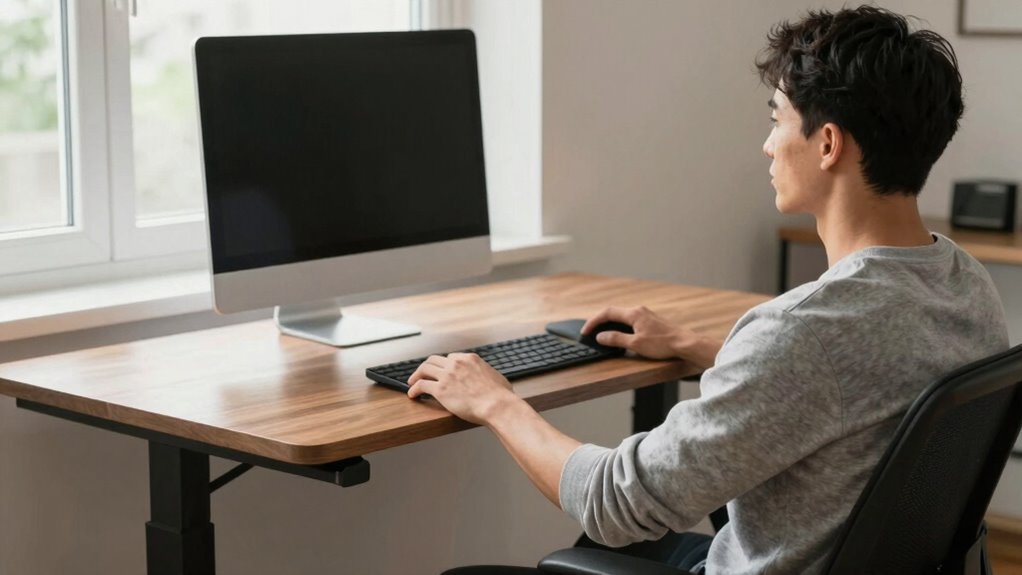
To find the right standing desk height, start by ensuring your elbows form a 90-degree angle for comfortable arm support. Make sure your monitor is at eye level to avoid neck strain, and your feet are flat on the floor for stability. Adjust the desk until these points feel natural and supportive for your body. Additionally, considering the proper desk height setup can further enhance your ergonomic comfort and reduce fatigue during prolonged use.
Elbow Angle Alignment
Achieving proper elbow angle alignment is essential for comfort and reducing strain when using a standing desk. To do this, set your desk height so your elbows are bent at about 90 degrees or slightly more when your arms rest naturally at your sides. Your elbow height should be aligned with or just slightly below the height of your elbows when your arms are relaxed. This position ensures your forearms are parallel to the floor, promoting arm comfort and preventing shoulder tension. If your desk is too high, your elbows will be elevated, causing shoulder and neck strain. If it’s too low, you’ll reach downward, which can lead to fatigue. Adjust the height until your elbows are comfortably bent and your arms feel relaxed and supported. Proper ergonomic setup helps prevent long-term discomfort, and considering adjustable desks can further optimize your posture during prolonged standing periods. Additionally, regularly changing your standing position can help reduce fatigue and promote better circulation. Paying attention to body alignment can make a significant difference in maintaining comfort over time.
Monitor Eye Level
Wondering how to position your monitor at the right height? Your goal is to keep the top of your screen at eye level, promoting healthy monitor positioning and reducing neck strain. Use ergonomic accessories like monitor risers or adjustable arms to fine-tune your setup. Proper monitor height keeps your neck aligned and minimizes discomfort. Additionally, ergonomic principles suggest that an optimal monitor height can significantly improve your posture during long periods of work. For optimal viewing, consider ambient-light playbooks and how your setup can benefit from ambient-light strategies to enhance your workspace.
Foot Placement Comfort
Proper monitor height is just one piece of setting up a comfortable standing desk. Foot placement comfort is equally important. To achieve this, make sure your feet are positioned shoulder-width apart, providing stability and reducing fatigue. Your heels should rest comfortably on the floor, offering good heel support; avoid standing on tiptoes or heels that lift off the ground. Adjust your desk height so your hips are slightly above your knees, allowing your feet to stay flat and supported. If your floor isn’t even, consider using anti-fatigue mats or small risers under your heels for added comfort. Proper foot support helps prevent strain and encourages proper posture, making standing more sustainable during long work sessions. Additionally, incorporating ergonomic accessories like foot supports can further enhance comfort and promote better alignment. Ensuring a proper ergonomic setup can significantly impact long-term comfort and health when using a standing desk. Regularly checking your posture throughout the day can also help prevent discomfort and maintain alignment, and practicing movement breaks can reduce overall fatigue.
Adjusting Your Standing Desk for Comfort: Step-by-Step Guide
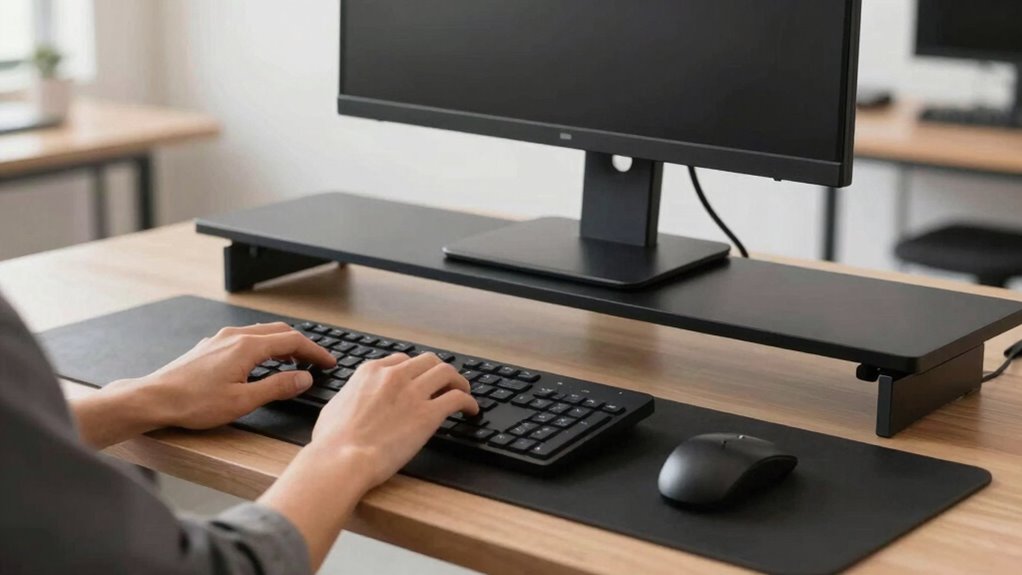
To make certain your standing desk setup is comfortable and ergonomic, start by adjusting the height so that your elbows are bent at roughly a 90-degree angle when your hands rest on the keyboard or work surface. Next, ensure your monitor is at eye level to prevent neck strain. Use a desk mat to reduce pressure on your wrists and improve comfort. Proper footrest placement helps maintain balance; position your footrest so your feet are flat and supported. Additionally, incorporating ergonomic principles can further optimize your workspace for long-term comfort. Maintaining proper lighting is also important to reduce eye strain and create a calmer environment. You may also want to consider adjustable desk features to easily modify your setup as needed. Finally, take regular breaks and stretch to reduce muscle tension and promote circulation. Finally, fine-tune the desk height so your wrists stay straight while typing. Remember, small adjustments can make a big difference in comfort and posture. Take your time to find the perfect setup, and your body will thank you throughout the day.
Common Mistakes That Cause Neck Strain on a Standing Desk
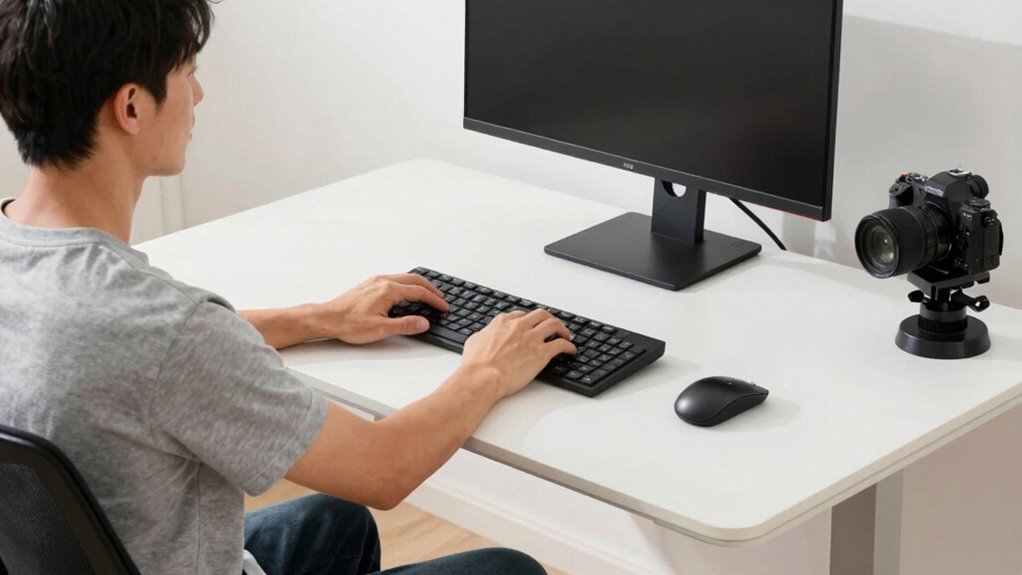
One common mistake that causes neck strain on a standing desk is neglecting to keep your monitor at eye level. When the screen is too low or too high, you strain your neck trying to look down or up, leading to increased neck tension over time. This poor posture correction can cause persistent discomfort and fatigue. Additionally, leaning forward or tilting your head creates unnecessary stress on your neck muscles. To avoid this, adjust your monitor height so that your eyes are level with the top of the screen. Maintaining proper alignment encourages better posture and reduces neck tension. Regularly checking your setup and making small adjustments helps prevent strain and promotes ergonomic health while working at your standing desk. Proper ventilation also plays a role in creating a comfortable workspace that supports overall well-being.
Essential Tools and Accessories to Maintain Proper Desk Height
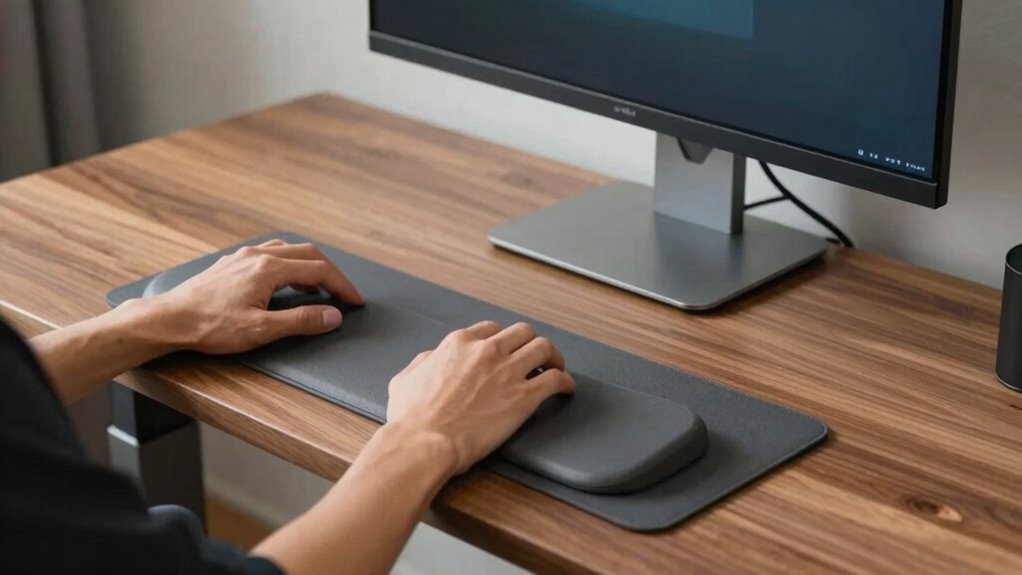
Maintaining the correct desk height is essential for comfort and ergonomic health, and using the right tools can make this much easier. Proper desk accessories and ergonomic tools help you stay aligned and prevent strain. Here are four must-have items:
Ensuring proper desk height with ergonomic tools enhances comfort and reduces strain.
- Adjustable monitor stands to keep your screen at eye level, reducing neck tension.
- Cable organizers to keep your workspace tidy, minimizing distractions and awkward postures.
- Anti-fatigue mats that support your legs and feet during long standing periods.
- Ergonomic keyboard trays that position your hands correctly, preventing wrist strain. Incorporating ergonomic principles into your workspace setup can further enhance comfort and reduce fatigue. Additionally, choosing adjustable equipment allows for personalized height settings that adapt to your unique body dimensions. Properly set up posture awareness can also help maintain comfort throughout the day.
These accessories ensure your desk remains at the ideal height, supporting your posture and promoting comfort. Incorporating plant-based remedies into your workspace setup can also help reduce stress and promote relaxation throughout your workday.
How to Tell When Your Standing Desk Height Needs Rechecking
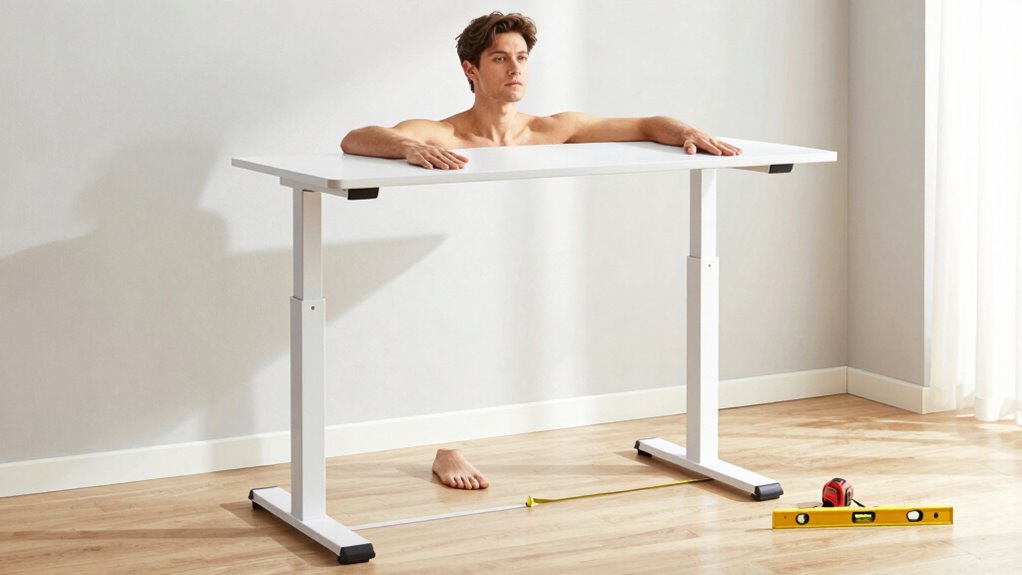
Even with the right tools in place, your standing desk’s height needs regular checks to guarantee it continues supporting proper posture. Pay attention to desk height indicators, such as your elbows at a 90-degree angle and your wrists straight while typing. If your shoulders feel tense or your neck aches, it’s a clear sign your setup needs rechecking. Notice posture cues like slouching or leaning forward—that signals your desk might be too high or too low. Regularly evaluating these signs helps prevent strain and discomfort. Make it a habit to evaluate your desk height periodically, especially if you notice any misalignment or fatigue. Staying attentive to these indicators ensures your workstation remains ergonomic and supportive throughout your day.
Testing and Fine-Tuning Your Standing Desk Setup for Maximum Comfort

To guarantee your standing desk setup offers maximum comfort, it’s essential to actively test and fine-tune its position regularly. Small adjustments can make a big difference in preventing neck strain and fatigue. Here’s what to focus on:
- Check your desk accessories—ensure your monitor, keyboard, and mouse are aligned to keep your neck neutral.
- Try different ergonomic footwear—wear shoes that support your arches and encourage proper posture.
- Adjust your desk height—make sure your elbows are at a 90-degree angle, with wrists straight.
- Pause and listen to your body—pay attention to any discomfort or tension, then tweak your setup accordingly.
Regular testing keeps your setup optimized, ensuring maximum comfort and reducing strain throughout your workday.
Optimizing Monitor and Keyboard Position to Avoid Neck Pain
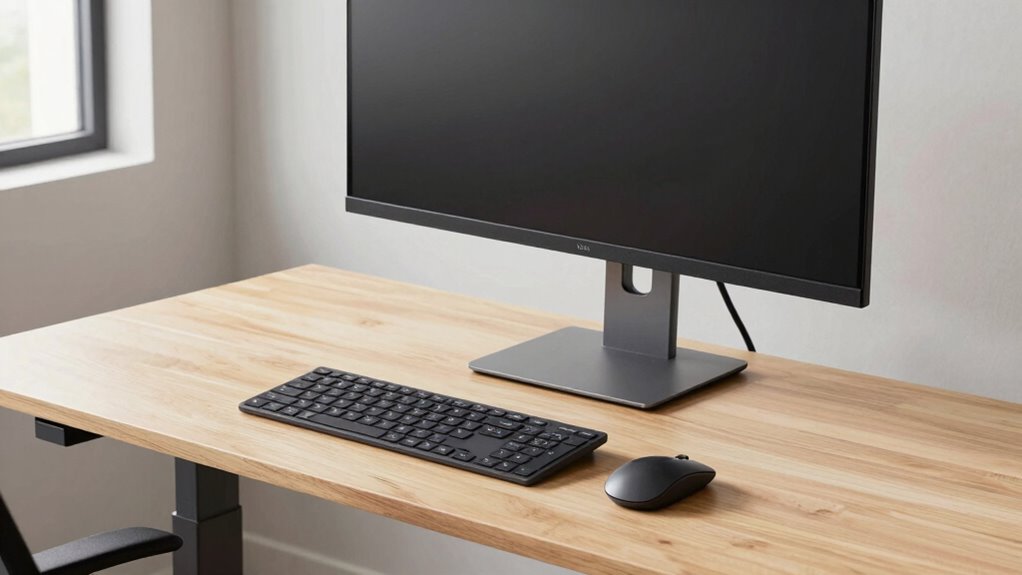
To prevent neck pain, you need to position your monitor at eye level so you don’t tilt your head up or down. Make sure your keyboard is at a height that keeps your elbows close to your sides and your wrists straight. Consider ergonomic accessories, like adjustable stands and wrist supports, to help maintain proper alignment.
Eye-Level Monitor Position
Have you ever noticed neck strain after long hours at your desk? Ensuring your monitor is at eye level is key to reducing discomfort. When your monitor height aligns with your eye level, you prevent tilting your head up or down, which strains your neck. To achieve this:
- Adjust your monitor so the top of the screen is roughly at eye level.
- Keep the monitor about an arm’s length away.
- Use monitor risers if needed to elevate your screen.
- Avoid looking down or up for extended periods.
Proper Keyboard Height
Ensuring your keyboard is at the proper height is essential for preventing neck strain, especially when combined with an appropriately positioned monitor. Proper keyboard ergonomics means your elbows should be close to your body and bent at about a 90-degree angle, with your wrists kept straight. This alignment helps avoid unnecessary tension and discomfort. When your keyboard is too high or too low, you may unconsciously hunch or extend your neck, increasing strain. Adjust your standing desk or keyboard tray so that your hands rest comfortably, and your wrists stay aligned with your forearms. This setup reduces muscle fatigue and promotes better posture, helping you maintain comfort throughout the workday. Prioritizing keyboard height is a simple yet effective step toward preventing neck pain.
Use of Ergonomic Accessories
Using ergonomic accessories can substantially improve your workspace setup and help prevent neck pain. Proper accessory placement ensures your monitor and keyboard promote good posture. Consider these key ergonomic aids:
- Position your monitor so the top of the screen is at eye level, reducing neck strain.
- Use adjustable monitor arms to customize height and angle, encouraging ideal accessory placement.
- Incorporate wrist rests to support your wrists and prevent unnecessary movement, easing shoulder tension.
- Choose ergonomic keyboards that promote a natural hand position, minimizing discomfort during extended use.
Tips for Transitioning From Sitting to Standing Without Strain
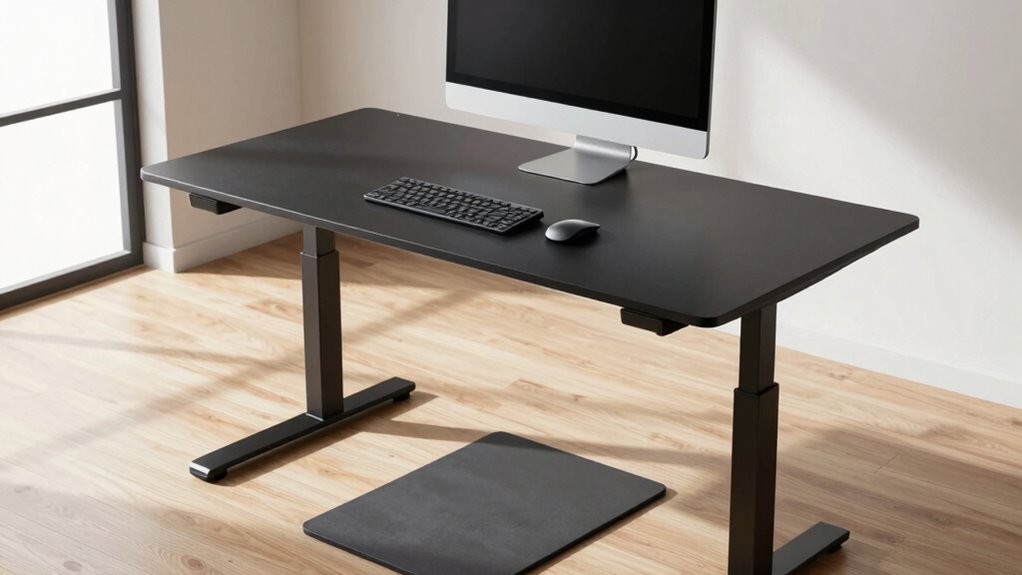
Moving seamlessly from sitting to standing is essential to prevent strain and discomfort. To do this, focus on proper desk height adjustment, ensuring your desk is at a comfortable height before standing. Use changeover techniques like slowly shifting your weight onto your legs and engaging your core muscles to ease the movement. Start by raising your desk gradually, rather than switching abruptly, to give your body time to adapt. Keep your feet flat on the ground and avoid locking your knees during the shift. Take a moment to pause and breathe before fully standing. These small adjustments help reduce sudden strain on your back and neck, making the switch smoother and more comfortable. Consistent practice will make transitioning effortless over time.
Maintaining Good Posture Throughout Your Workday
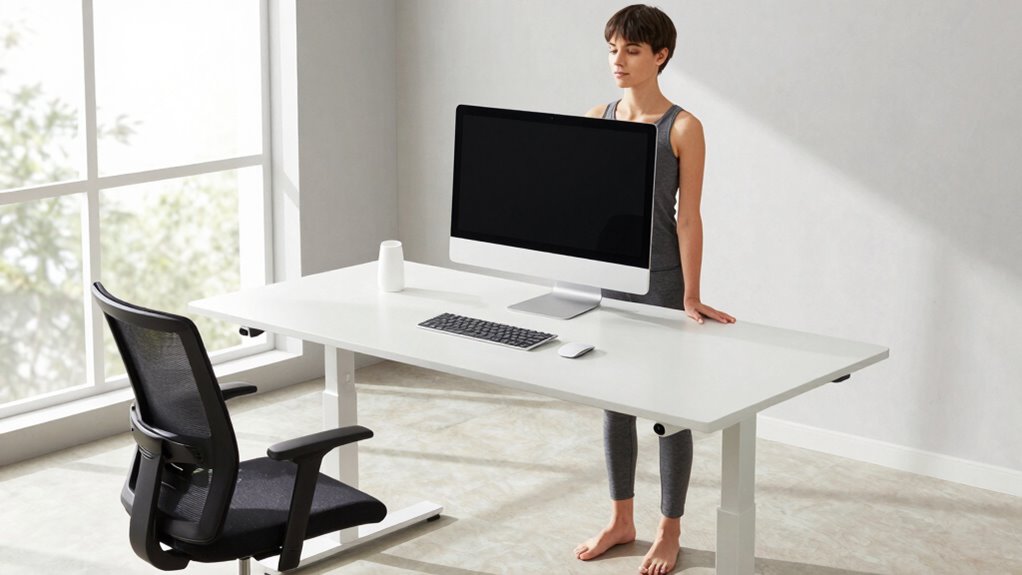
Maintaining good posture throughout your workday helps prevent discomfort and long-term injuries. To stay aligned, use desk accessories like adjustable monitor stands and ergonomic chairs, which support proper positioning. Set posture reminders on your phone or computer to stay aware and avoid slouching. Remember, your body craves consistency and awareness.
Here are four ways to keep your posture in check:
- Adjust your monitor to eye level, reducing neck strain.
- Keep your shoulders relaxed and back, not scrunched.
- Use keyboard and mouse at a comfortable height to avoid reaching.
- Take regular breaks to stretch and reset your posture.
Staying mindful of these tips ensures your workday remains comfortable and safe, preventing long-term discomfort.
Frequently Asked Questions
Can Standing Desks Improve Overall Posture Beyond Neck Pain?
Yes, standing desks can improve your overall posture by engaging your core muscles and promoting proper spinal alignment. When you stand correctly, you reduce strain on your neck and back, helping you maintain a healthier, more balanced position throughout the day. This active stance encourages better habits, strengthening muscles that support your spine and preventing long-term discomfort. Over time, you’ll notice improved posture and less fatigue in your daily activities.
How Often Should I Adjust My Standing Desk Height During the Day?
You should adjust your desk height every 30 to 60 minutes to maintain ergonomic awareness and prevent strain. Keep an eye on your posture, ensuring your elbows are at a 90-degree angle and your screen stays at eye level. Regular desk height adjustments help you stay comfortable and avoid neck or back discomfort, making sure you’re always in a ideal ergonomic position throughout your workday.
Are There Specific Exercises to Complement a Standing Desk Setup?
Yes, you can do desk stretches and posture exercises to complement your standing desk setup. Try shoulder rolls, neck stretches, and chest openers to reduce tension. Incorporate calf raises and leg swings to improve circulation. These exercises help maintain good posture, prevent stiffness, and reduce fatigue. Doing them regularly throughout the day keeps your muscles engaged, supports your ergonomic setup, and makes standing more comfortable and sustainable.
What Are the Signs My Standing Desk Setup Is Causing Discomfort?
If your standing desk setup causes discomfort, you might notice neck or back pain, aching legs, or sore feet. You may also experience fatigue or stiffness after prolonged standing. To prevent this, consider ergonomic accessories like a supportive anti-fatigue mat and adjustable monitor arms. Pay attention to your posture and take regular breaks. If discomfort persists, re-evaluate your desk height and setup to guarantee proper alignment and comfort.
How Do I Choose a Standing Desk That Suits Different Work Tasks?
To choose a standing desk that suits different work tasks, consider adjustable height features and desk accessories that support varied activities. Opt for a sturdy desk material like wood or metal for durability. Adjust the desk height to keep your monitor at eye level and your keyboard at a comfortable angle. Incorporate accessories like a keyboard tray or monitor stand for versatility, ensuring comfort whether you’re typing, reading, or collaborating.
Conclusion
By nailing your standing desk height, you’ll banish neck pain forever—no more headaches, no more tension, just pure comfort that feels like floating on a cloud. When you get this right, your workspace transforms into a pain-free paradise where your neck thanks you every day. So, adjust, fine-tune, and perfect your setup—because once you do, you’ll never want to sit again. Say goodbye to strain and hello to effortless, ergonomic bliss!