
TL;DR

Get your wardrobe favorites delivered free — and shop member deals
- Fast, free delivery on millions of items
- Access to Prime Big Deal Days deals on October 6–7
- Prime Video, Amazon Music and more included
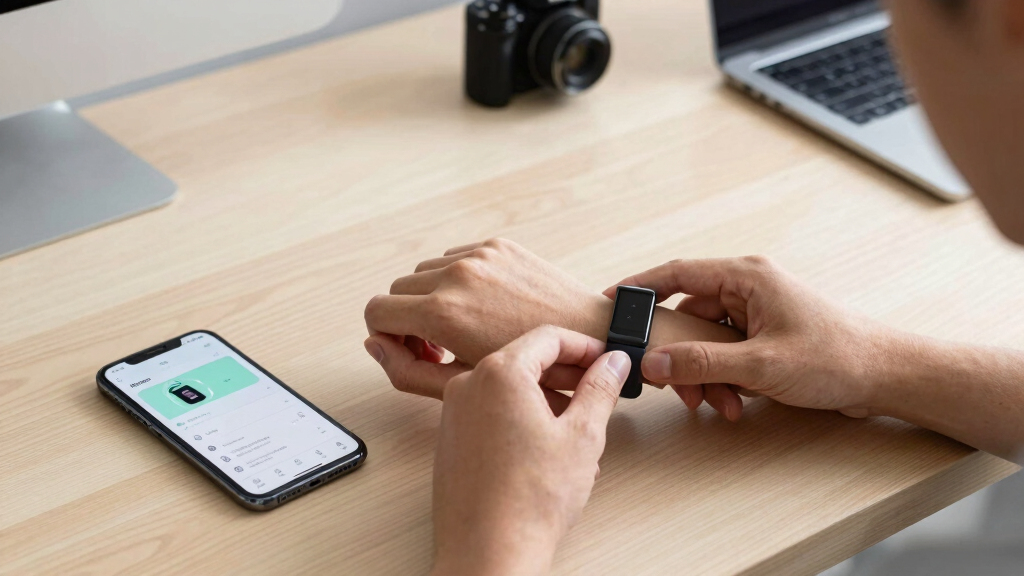
This article outlines 10 confirmed hacks for Fitbit Air users to optimize device performance, improve workout tracking, and customize settings. These tips are based on user experiences and official app features, offering practical ways to get more from the device.
Fitbit Air users can now implement 10 verified hacks to improve device comfort, tracking accuracy, and app control, according to recent user guides and official app updates. These tips help users optimize their experience, from broadcasting heart rate data to third-party apps to customizing device settings and placement.
One confirmed hack allows users to broadcast heart rate data from the Fitbit Air to the Strava app, providing real-time workout metrics on the device’s display. This setup involves sharing heart rate info via the Google Health app and connecting it to Strava, which then displays live data during workouts.
Another practical tip involves wearing the Fitbit Air on a mechanical watch band, allowing users to incorporate the tracker into their existing watch straps. While this hack offers convenience and style, it may impact accuracy since the device is placed on the underside of the wrist.
Users can also disable the Google Health app’s AI-based coach, which many find intrusive or inaccurate. This is done through privacy controls within the app, allowing for a quieter, less distracting experience.
Additional confirmed tips include adjusting wrist preferences to reduce step overcounting and wearing the device on the non-dominant hand, which helps improve step count accuracy. Users can also manually add exercises to their strength workouts after completion, ensuring better tracking of specific routines.
Why These Hacks Improve Your Fitbit Air Experience
These hacks matter because they help users get more accurate data, better customization, and enhanced comfort from their Fitbit Air. Improved workout tracking and device placement can lead to more reliable health insights, while disabling intrusive features can make the device more user-friendly.
For many users, these adjustments address common frustrations, such as overcounting steps or poor app notifications, making the Fitbit Air a more effective fitness companion.
As an affiliate, we earn on qualifying purchases.
Background on Fitbit Air and User Customization Options
The Fitbit Air, a screenless fitness tracker, has gained popularity for its simplicity and comfort. However, users have reported issues with workout display, step counting, and app notifications. Recent updates and user-shared tips have revealed practical ways to customize and optimize the device’s performance, making it more adaptable to individual needs.
These hacks build on existing device features and third-party app integrations, such as Strava, to enhance real-time workout visibility and data accuracy. They reflect ongoing user efforts to tailor the device to personal fitness routines and preferences.
“Using Strava to broadcast your heart rate provides a much better workout display than the default Google Health app.”
— Beth Skwarecki, Lifehacker
Unanswered Questions About Fitbit Air Hacks
While these hacks are confirmed based on user reports and app features, their effectiveness can vary depending on individual device models and personal preferences. The impact on accuracy when using the device on different bands or placements remains anecdotal, with no comprehensive testing available.
It is also unclear whether future updates will alter or disable some of these hacks, especially third-party integrations like Strava broadcasting.
Next Steps for Fitbit Air Users and Developers
Fitbit is likely to release further updates that may enhance or restrict some of these hacks. Users should stay informed about app updates and community tips. Developers and third-party app creators may also introduce new features to improve workout tracking and customization options.
In the coming months, Fitbit could address some user concerns directly through firmware or app updates, potentially formalizing or expanding these hacks into official features.
Key Questions
Can I use these hacks on all Fitbit Air models?
Most hacks are applicable to recent Fitbit Air models, but effectiveness may vary depending on hardware and software versions. Check compatibility before attempting advanced modifications.
Will disabling the Google Health Coach affect my device’s other features?
No, turning off the coach only disables notifications and AI prompts. Basic activity tracking and heart rate monitoring will continue normally.
Is wearing the Fitbit Air on a watch band accurate for fitness tracking?
Placement on a watch band can reduce accuracy since the device is on the underside of the wrist. For best results, wear it on the wrist as intended, but this hack offers a stylish alternative.
Are there risks in modifying the device or using third-party apps?
Modifications are generally safe if done carefully, but they may void warranties or cause data inaccuracies. Use third-party apps responsibly and be aware of potential privacy concerns.
Source: Lifehacker
Fall Picks
fall essentials
As an affiliate, we earn on qualifying purchases.